


JOIN KINETIC
Please note you will need to download the Abler app to finalise an application to the full-time programme or book a community session.
Scroll down for a step-by-step guide on how to apply.
HAF sessions are booked via external site class4kids also linked below.


STEP-BY-STEP GUIDE
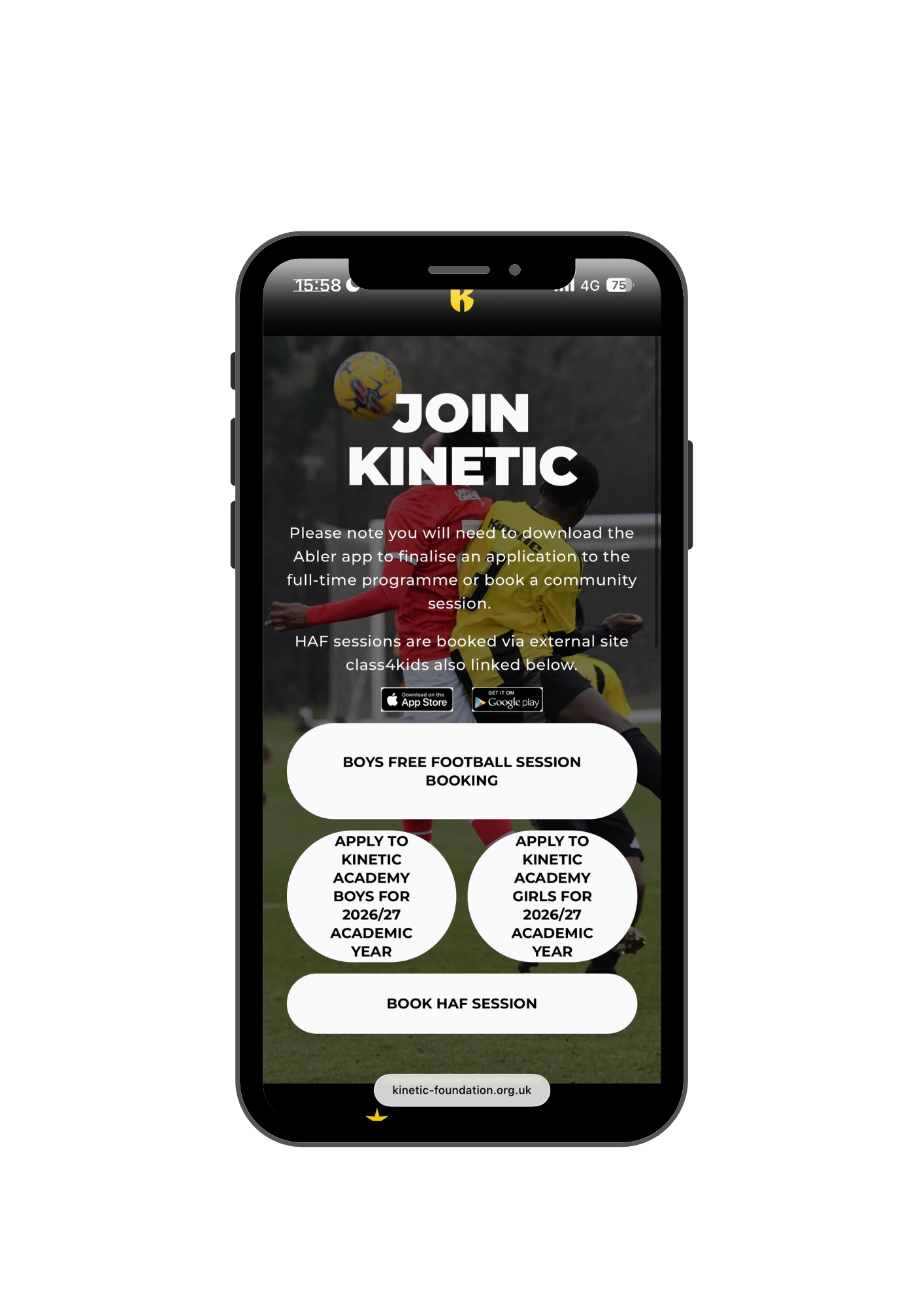
1. Open the link: Please click the provided link relevant to your application to access Abler (See above).
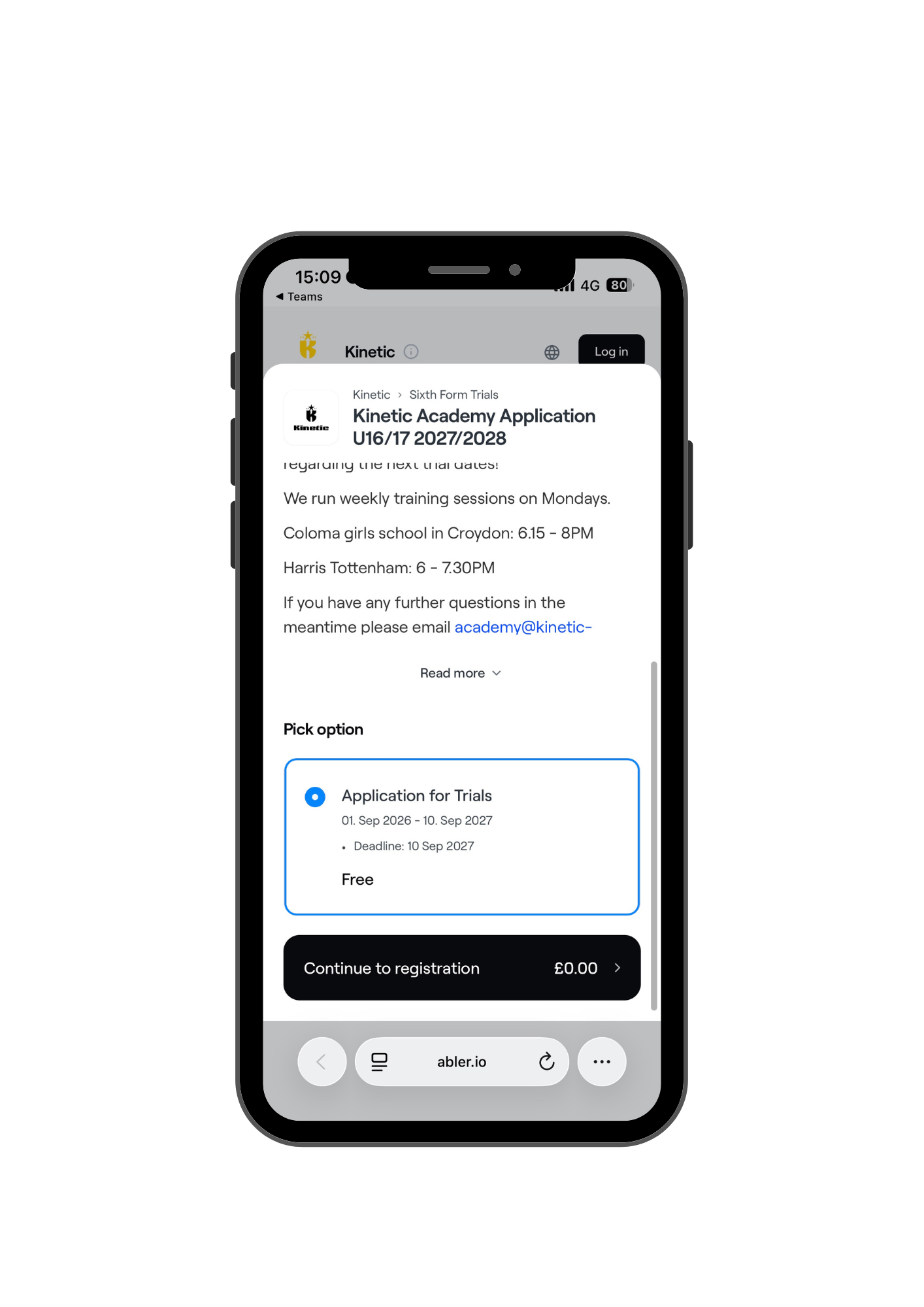
2. Proceed to registration: Scroll down and click onto ''Continue to registration'' to move forward.
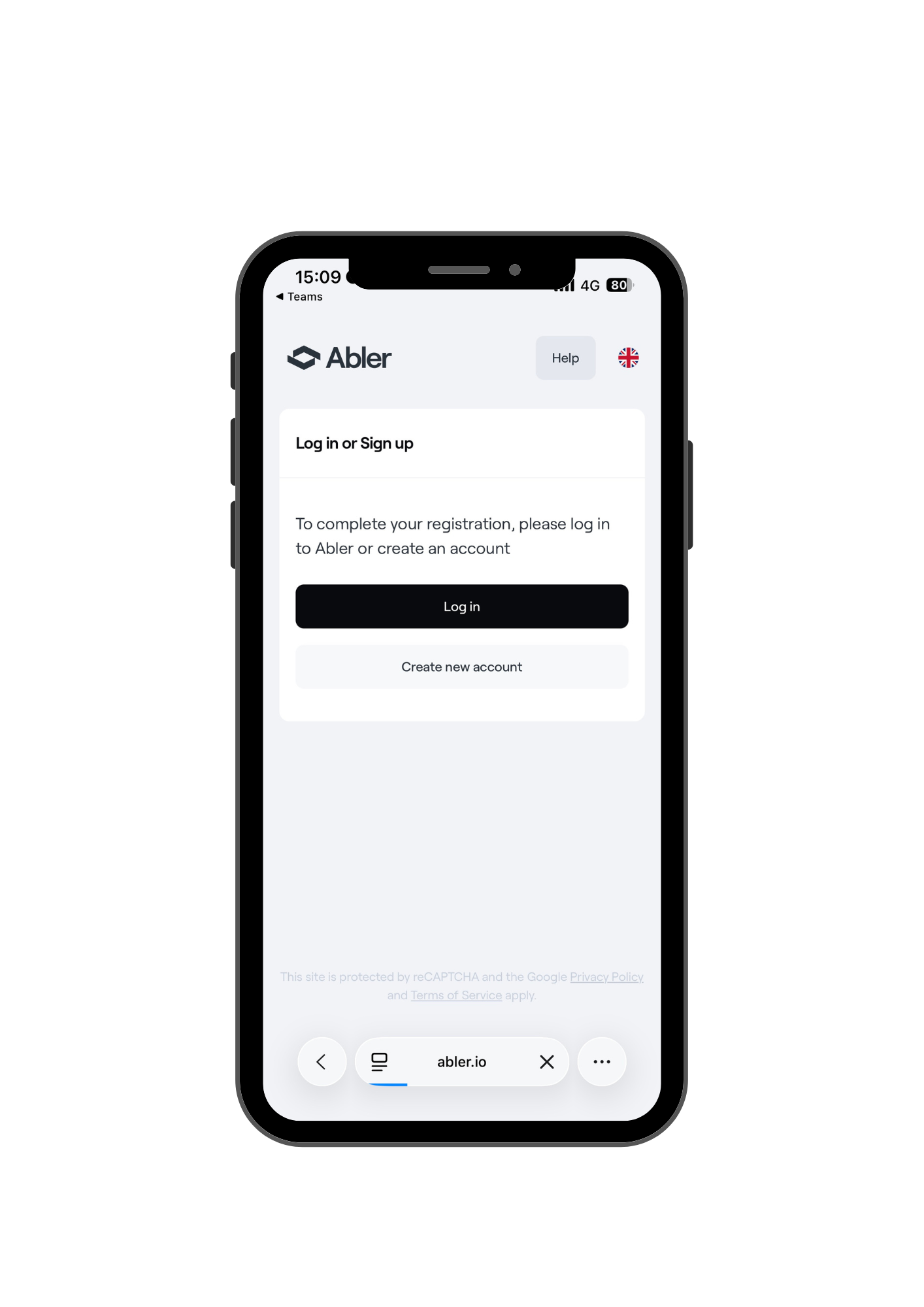
3. Start account creation: Select ''Create new account''.
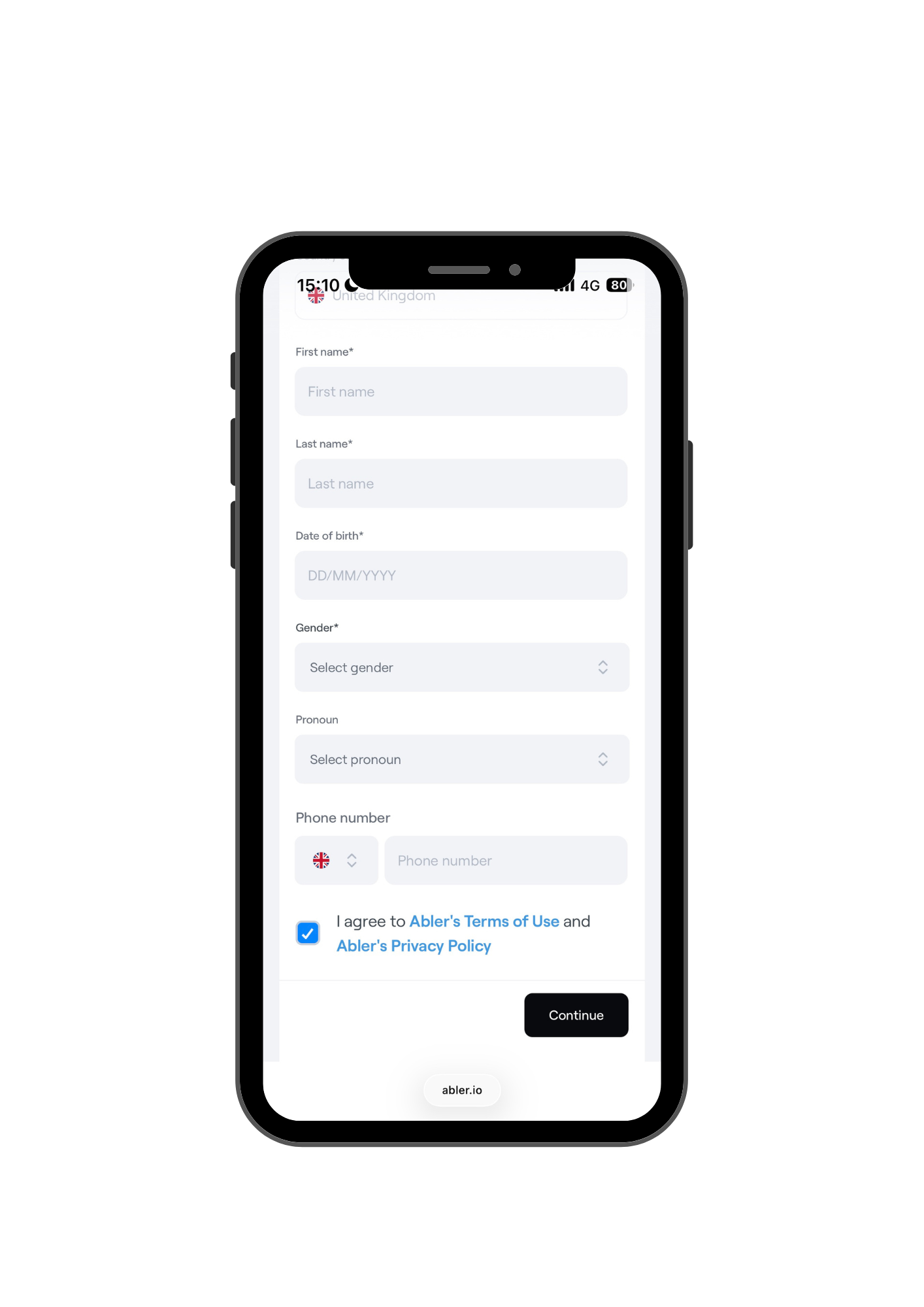
4. Enter your information: Fill out the required details to complete your registration.
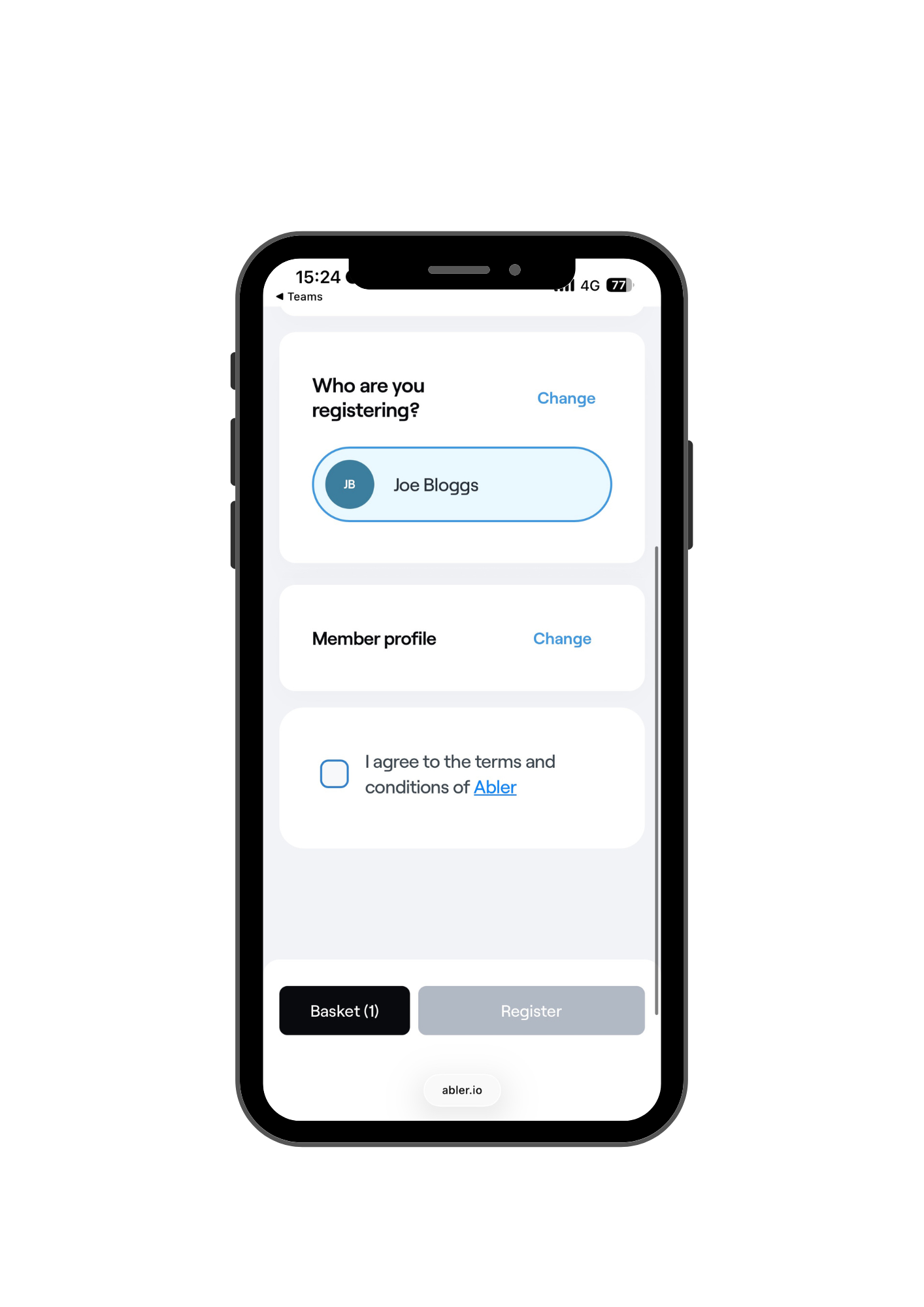
5. Terms and conditions: Accept the terms and conditions.
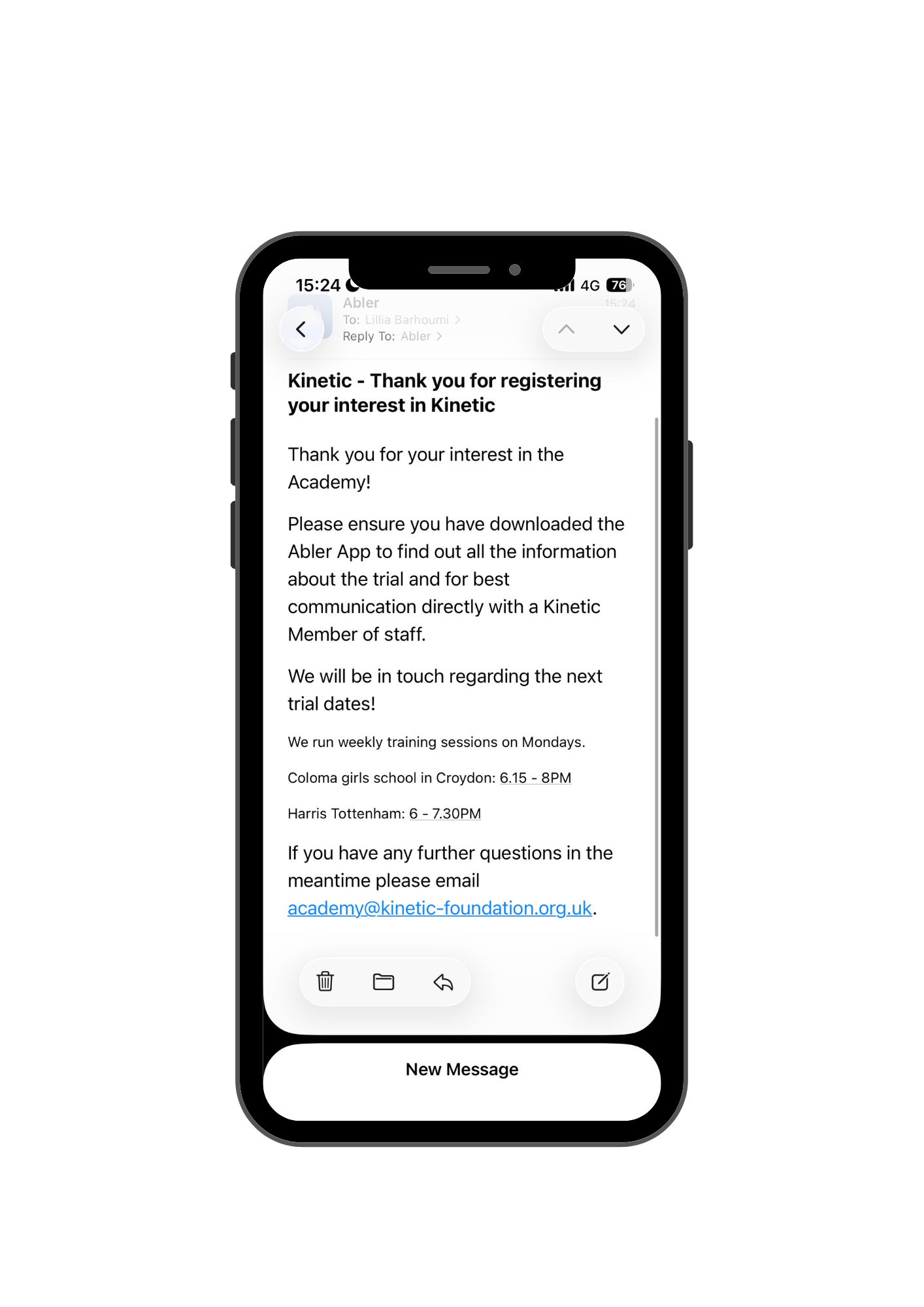
6. Check your emails: If you check your emails, a receipt will be sent to confirm your registration.